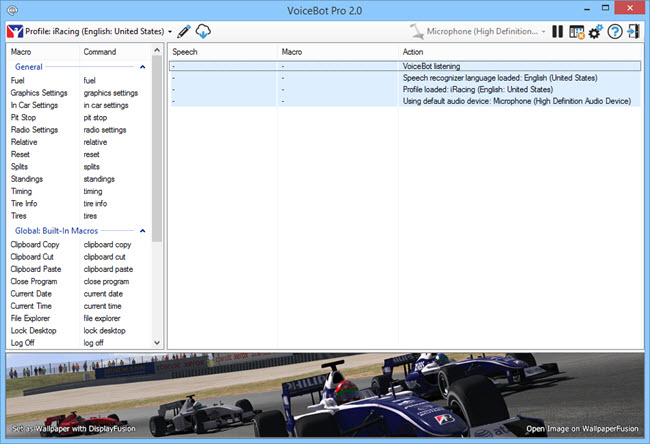
VoiceBot 2.0 is now available for download! This version adds some excellent new features, and fixes a few bugs as well. Important note for existing VoiceBot customers: With the addition of the Global Macros feature, VoiceBot 1.6 and 2.0 settings are not compatible, so sync has been disabled for version 1.6 and lower.
We encourage everyone to update to this new version today to take advantage of these improvements. If you've already purchased VoiceBot, it's a lifetime license, so you can upgrade to this version at no cost!
If you would like to see a complete list of all the changes, please visit the VoiceBot Change Log.
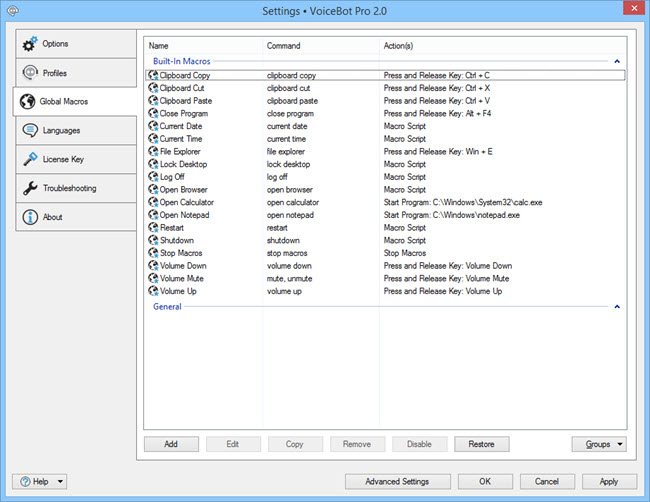
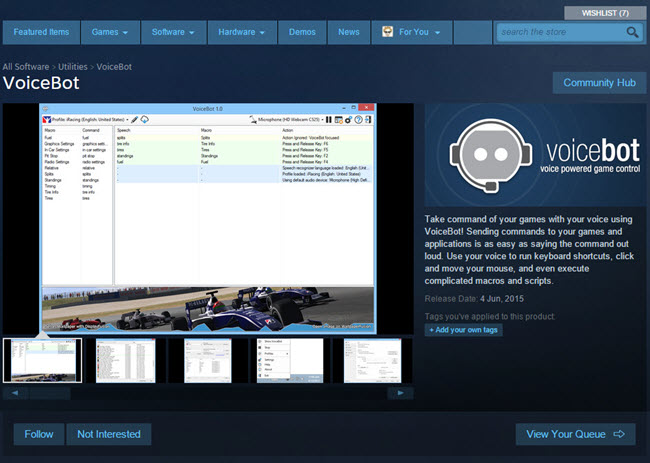
We are very excited to announce that VoiceBot is now available for purchase on Steam! VoiceBot Pro on Steam has all of the same features as VoiceBot Pro, but Steam handles the installation and licensing, so you always have it wherever you have your Steam games library. Note that once VoiceBot is installed, Steam does not need to be running for VoiceBot to function.
VoiceBot is regularly $8.99 (USD), but is on for a special Steam launch price of $7.65 (USD)! If you purchase VoiceBot Pro on Steam and enjoy using it, please review it to let others know that it's a great buy :)
If you've already purchased a VoiceBot Pro Standard license through our website, you can grab a Steam code at no charge through our licensing portal.
VoiceBot 1.1 is now available for download! This is a quick point release to address a few issues that were in 1.0:
We encourage everyone to update to this new version today to take advantage of these improvements. If you've already purchased VoiceBot, it's a lifetime license, so you can upgrade to this version at no cost!
If you would like to see a complete list of all the changes, please visit the VoiceBot Change Log.
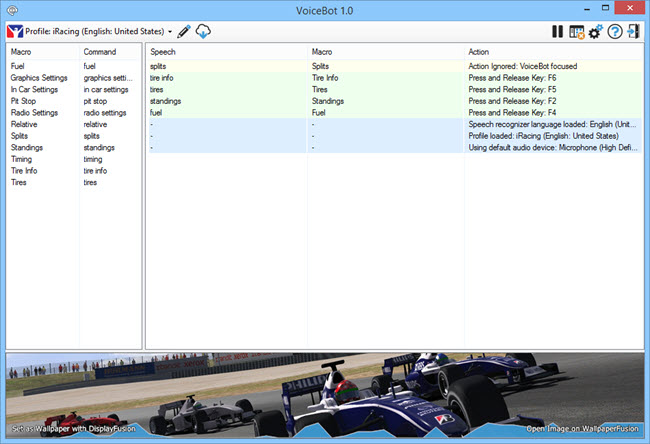
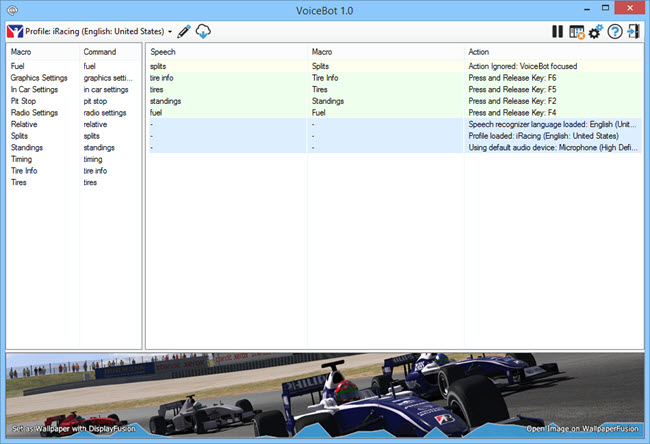
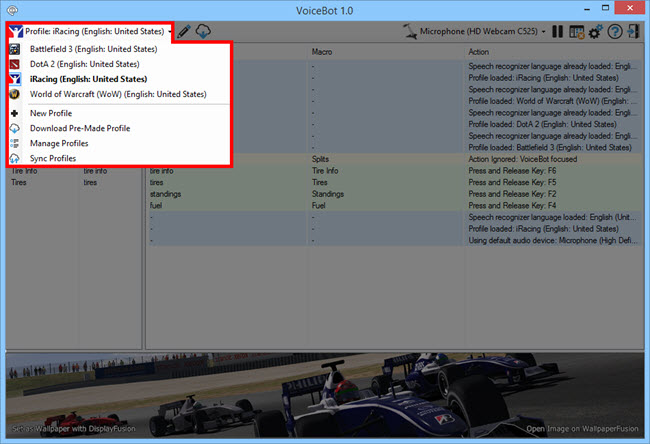
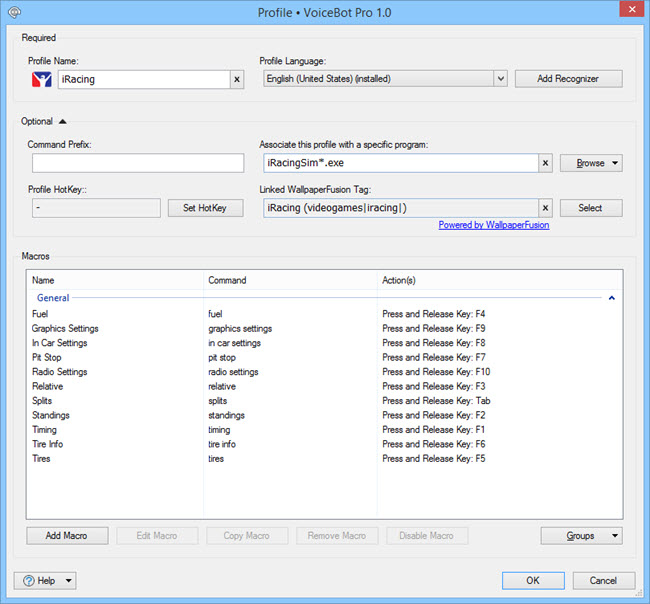
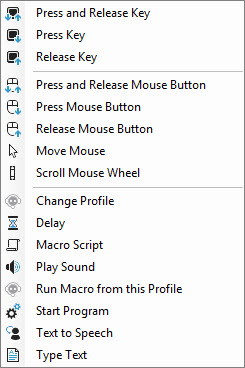
We're very excited to introduce VoiceBot! VoiceBot is a new product that allows you to control games and other applications with your voice. Simply speak a command and VoiceBot will send the keystrokes, mouse-clicks, or anything else necessary to perform the desired action. VoiceBot can also perform actions like text-to-speech, running highly flexible scripts, starting programs, and much more! With well over 100 pre-made game and application profiles available for download, it's easy to get up and running with just a few clicks.
VoiceBot is completely free to try, and the feature-limited free version is free to use forever. Give it a try today!
We'd like to send out a big thanks to everyone who helped with the VoiceBot translations, and the many people that helped with the Beta versions. Thanks everyone!